nHanced Quick Reports & Views

Build and Visualise Reports Instantly!
There are plenty of tools out there in the Dynamics world to help users review and analyse the data from inside their Dynamics 365 Business Central system - Jet Analytics and Power BI, to name just two. As powerful as these tools are, they do require some setup and training to use. We set ourselves the task of creating a simple tool that runs inside your system to quickly and easily generate great-looking reports from your data. nHanced Quick Reports & Views were born!
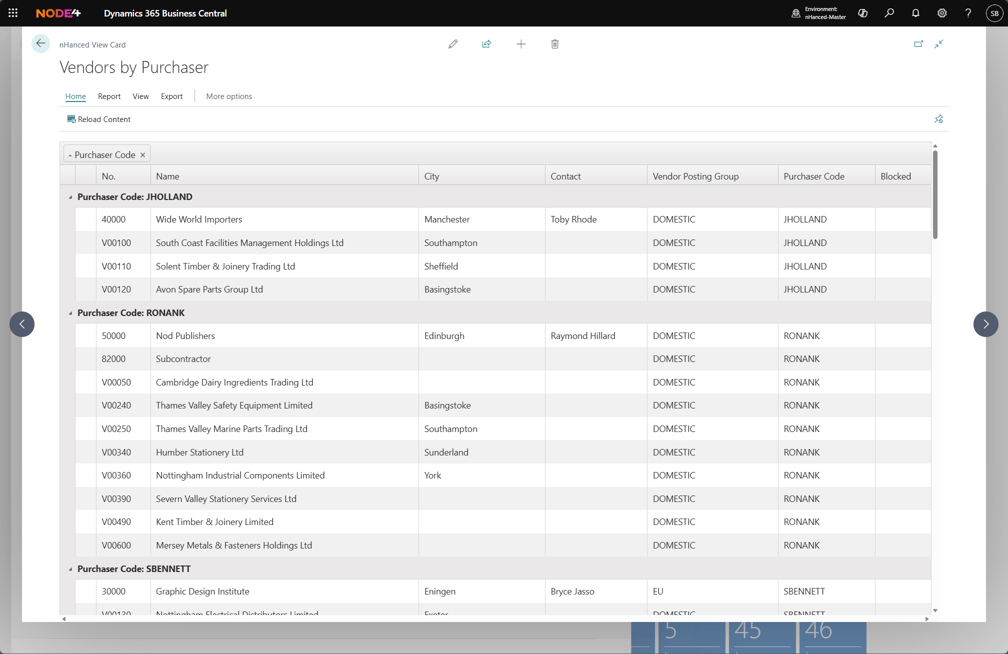
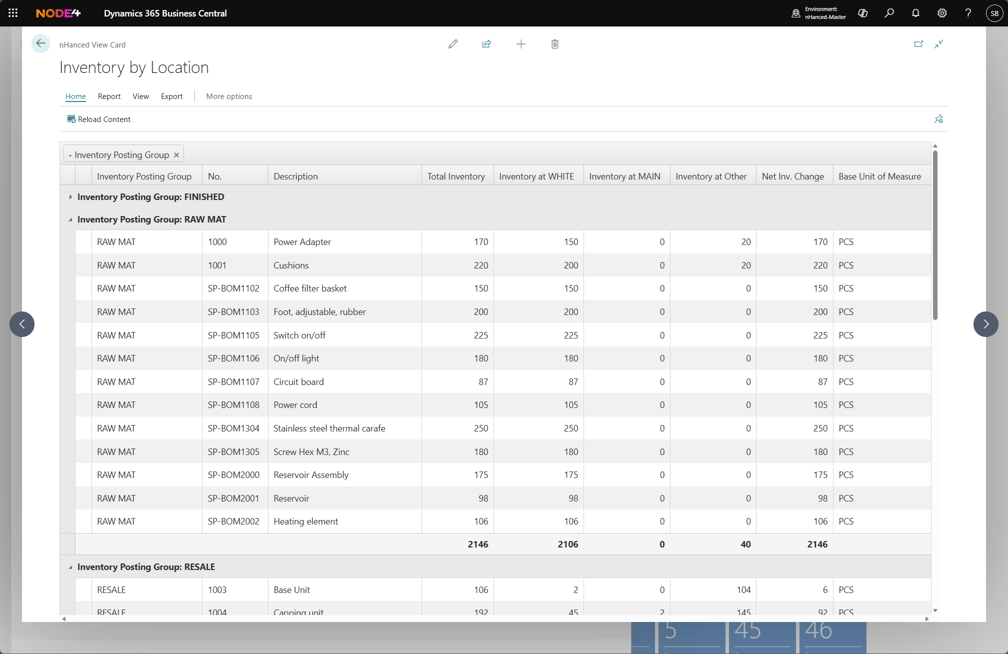
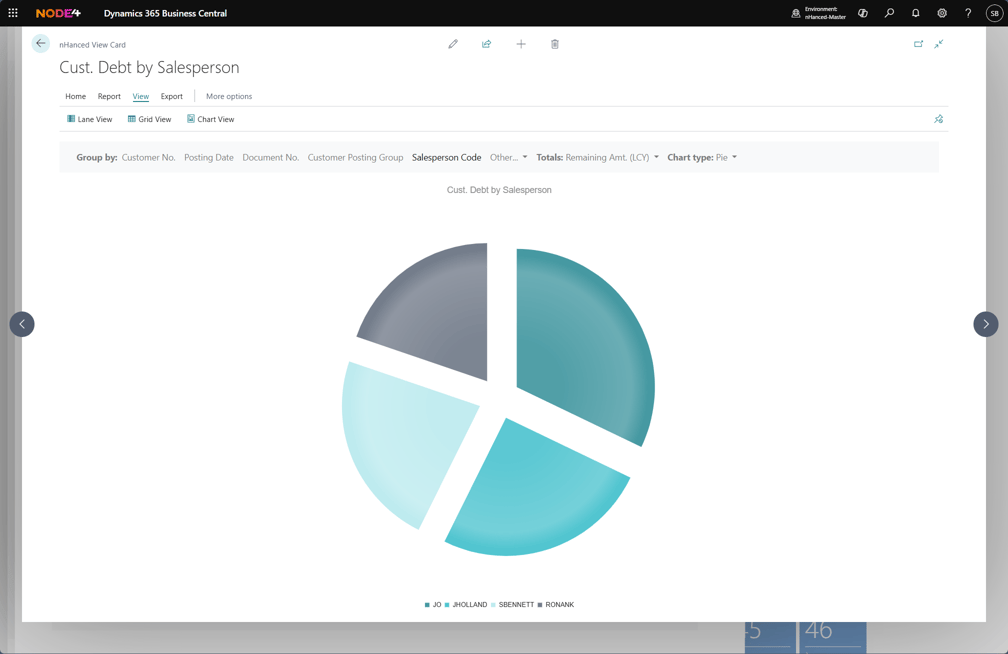
To get started, just select the table and the fields you want to display, set some filters (perhaps a date filter on sales to show this month vs last month), and your report will be available immediately. It’s that simple! Once your report is built, you can display the results as an interactive list, allowing grouping and column re-arrangement. Alternatively, hit the ‘Chart View’ button, and now your data can be shown in various chart types such as a bar chart, pie chart, line graph, etc!
If you want some more control over the defaults for your report, you can create the report directly as an nHanced View. This allows you to specify the default groupings, totals, and chart type.
Using our nHanced Panels & Tiles? Great, you can now run your report or nHanced View directly from a tile or Link on your role centre!