It provides a graphical view of events over time, offering a clear and intuitive alternative to standard list-based pages. But it doesn’t just display data. It allows users to interact with it directly.
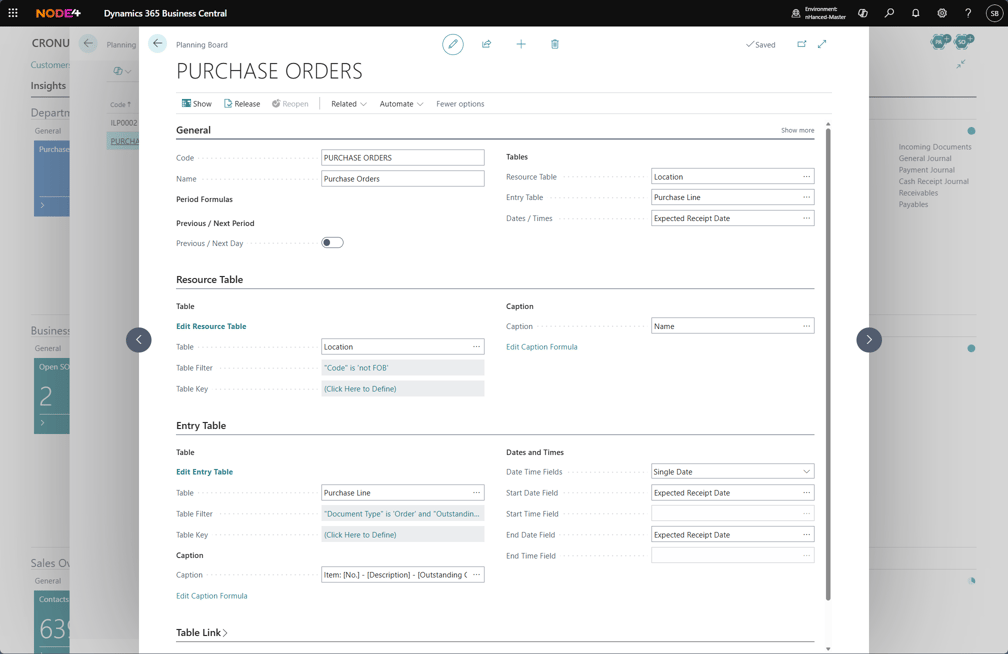
Planning boards can be set up without development. Simply define the resource (such as a person, team, or location) and the type of activity.
While quick to configure using default options, planning boards also offer extensive personalisation. You can tailor both how the board looks and how it behaves, ensuring it fits your specific processes.
Once in place, users can work directly on the board:
- Drag and drop to reschedule activities
- Move tasks between resources
- Clone existing entries
- Create new activities on the fly