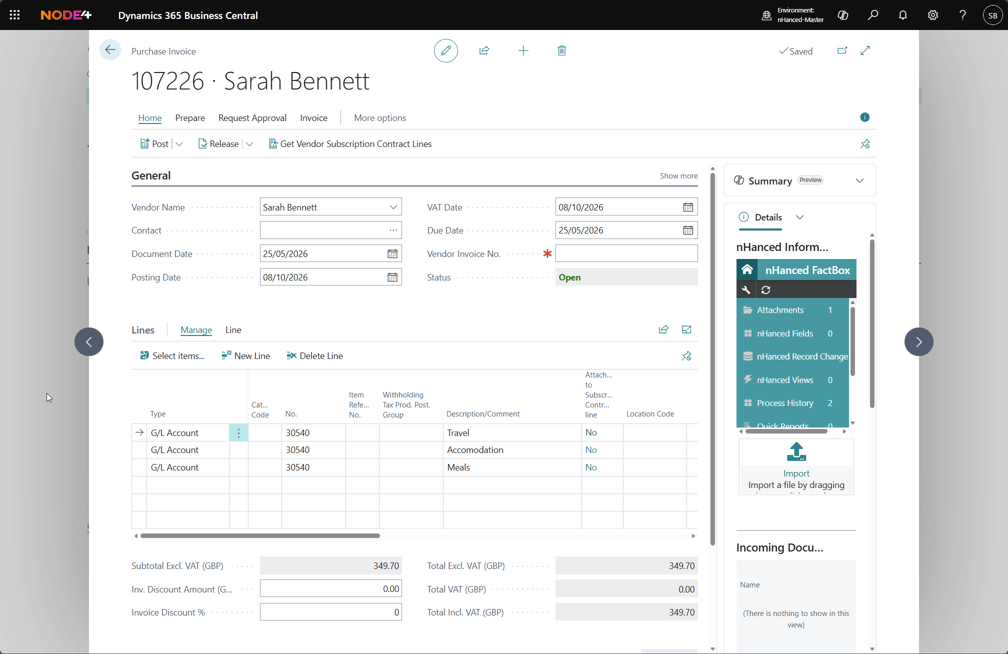
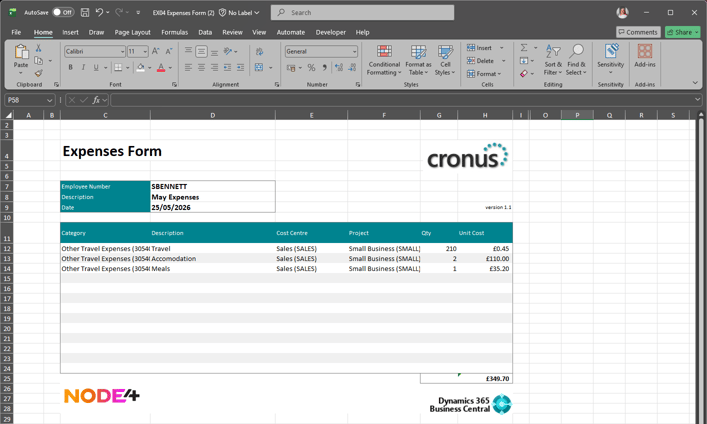
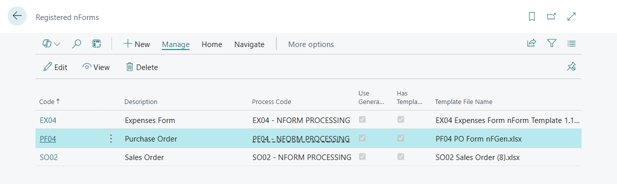
nHanced Forms can easily be created and amended by a user and workflows can be triggered upon processing an nHanced Form. They can be used to create or update any information that resides in Dynamics 365 Business Central, i.e. expenses, suppliers updating pricing or shipping dates, customer orders, etc.
The module allows you to design forms that can be automatically imported when attached to the relevant document. A good example could be an expense form, which is filled out by an employee and sent to the finance team.
If you have our Automated User module (nOra), a user can email nOra for a report, and they will receive an email with the report attached with the latest information out of the system. Using nOra, these forms can be completed by non-Dynamics NAV or Dynamics 365 Business Central users, for example, customers, vendors, etc. Data from Jet Reports can be used in an nHanced Form to allow users to select a value from a list of values pulled straight out of the system.
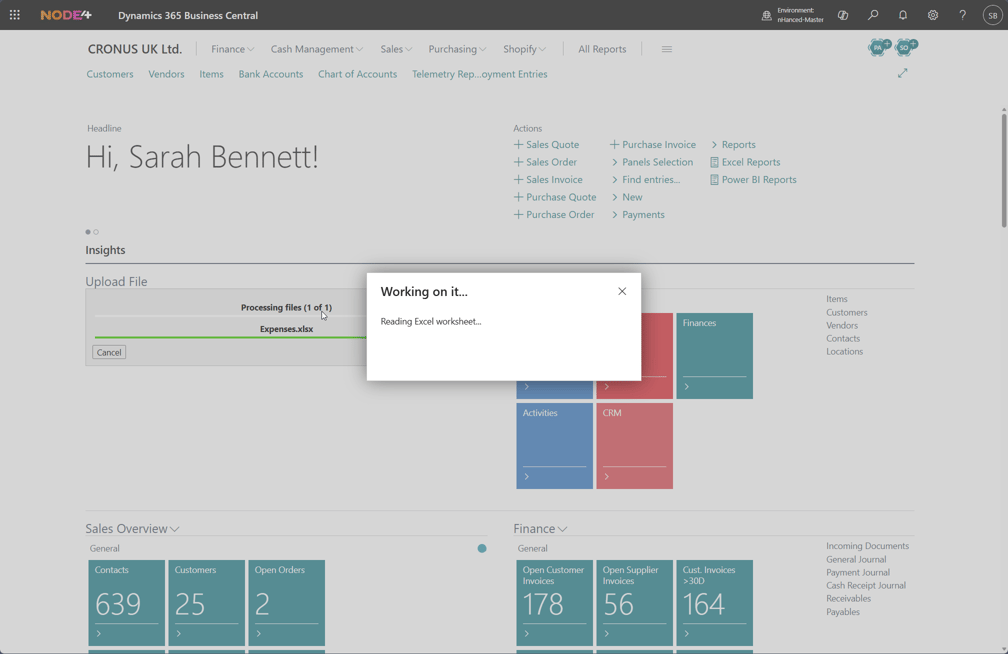
If nOra is configured, then these nHanced Forms can be e-mailed in and automatically processed; otherwise, Dynamics 365 Business Central users can take a completed nHanced Form and drag and drop it onto the Role Centre using the 'Drop File Here' page part, and the nHanced Form will be processed.
Once an nHanced Form has been processed, an nHanced Workflow can be triggered automatically to start a business process (for example, purchase invoice approval for an expense form) or to notify someone that it has been processed.