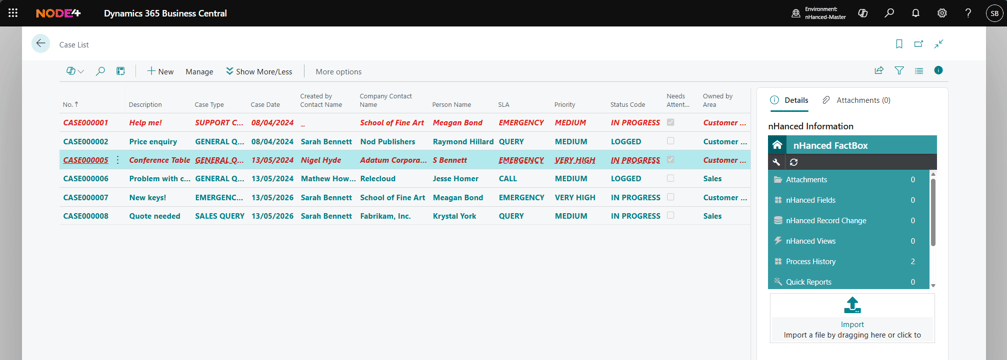
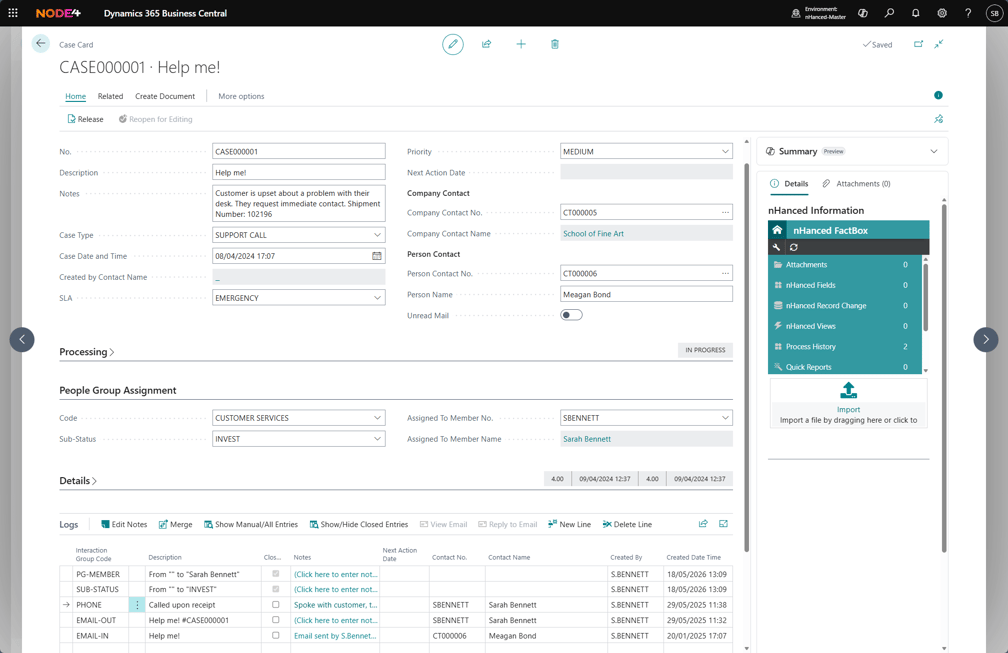
Relevant information in Dynamics 365 Business Central, such as SLAs, priorities, etc., can be recorded against these cases to ensure they are processed as efficiently as possible and resolved on time. Cases can be categorised into areas such as sales, support queries, etc., so users can identify what the record is about when deciding who best to assign it to.
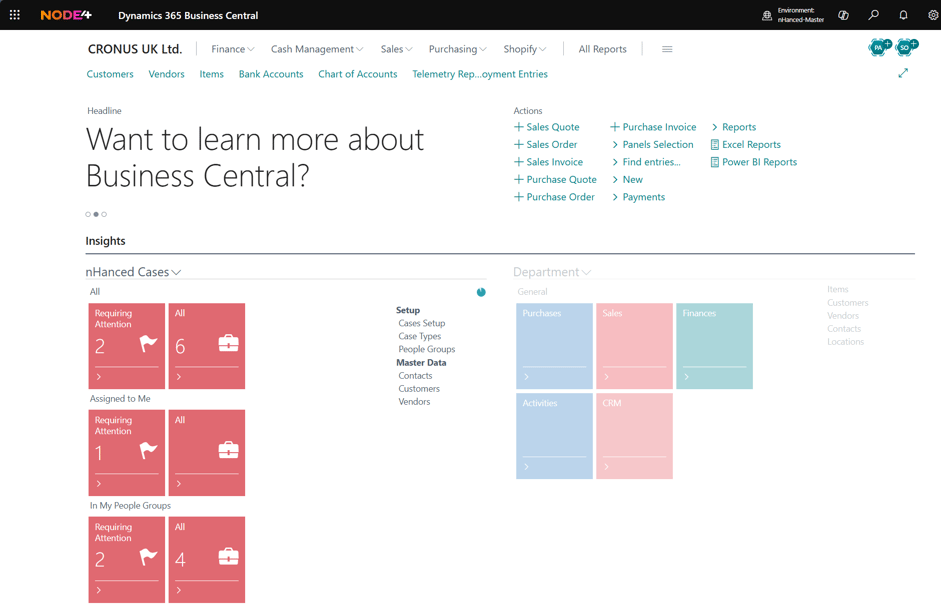
Cases can be assigned to users so they can access them from a panel in their Role Centre (for example, by creating a “My Open Cases” tile). Any files relevant to the case can be assigned to the record to ensure that whoever handles it has all the information they need.
The Case Log can be used to maintain and update the case with any comments, time spent on it, etc., as it is being processed. For example, if someone has investigated the issue and is awaiting the customer’s feedback, they can record this in the Case Log so users know it is with the customer, how long it's been with them, etc.
Combine nHanced Cases with nHanced Emailing to respond to cases, create new ones, and update existing records. All directly from email. Incoming emails are automatically logged against the relevant Case, giving you a complete communication history without manual effort. Easily spot Cases with new, unread emails straight from the Case list, so nothing gets missed.